Send leads to CRM
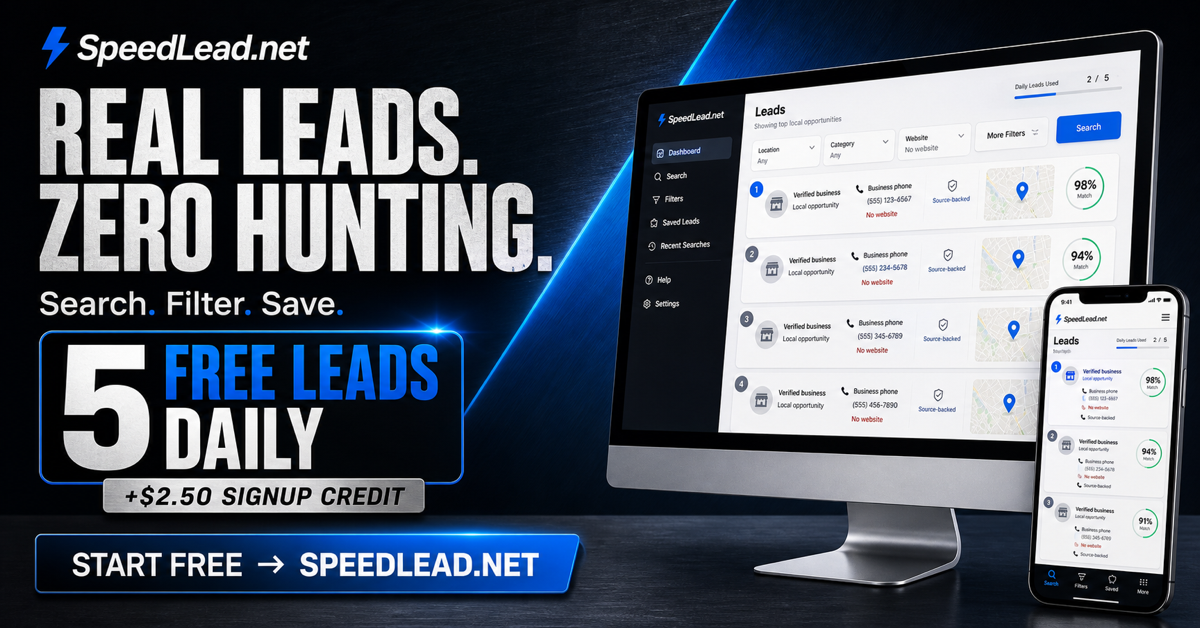
Saved SpeedLead records sync into the account's CRM workspace without exporting and re-importing spreadsheets.
 SpeedLead.net
SpeedLead + SpeedCRM
SpeedCRM turns saved SpeedLead results into a simple daily sales workspace: assign reps, call today's leads, handle overdue follow-ups, schedule appointments, and record what happened.
One connected workflow
The value is not merely storing business records. It is giving each lead a clear next action and showing whether the work created replies, appointments, and customers.
Saved SpeedLead records sync into the account's CRM workspace without exporting and re-importing spreadsheets.
Reps see leads to call today, overdue follow-ups, newly assigned leads, and scheduled appointments instead of a bare database.
Track generated, saved, contacted, replied, interested, appointed, and won totals with performance by rep, industry, search, and message.
Fast outcome logging
After a call or message, mark No answer, Follow up, Interested, Appointment, Won, or Lost. Follow-up and appointment outcomes create the next task instead of leaving the lead forgotten in a list.
Owners can set a default rep, assign leads in bulk, invite teammates through an account-bound inbox, and keep owner permissions separate from rep access.
Common questions
No. The same SpeedLead login is used for lead generation and CRM access.
No. CRM access is scoped to accepted workspace membership, and rep views are limited to the leads and controls allowed by their role.
Yes. SpeedCRM includes a direct return to SpeedLead so the workflow stays connected.